
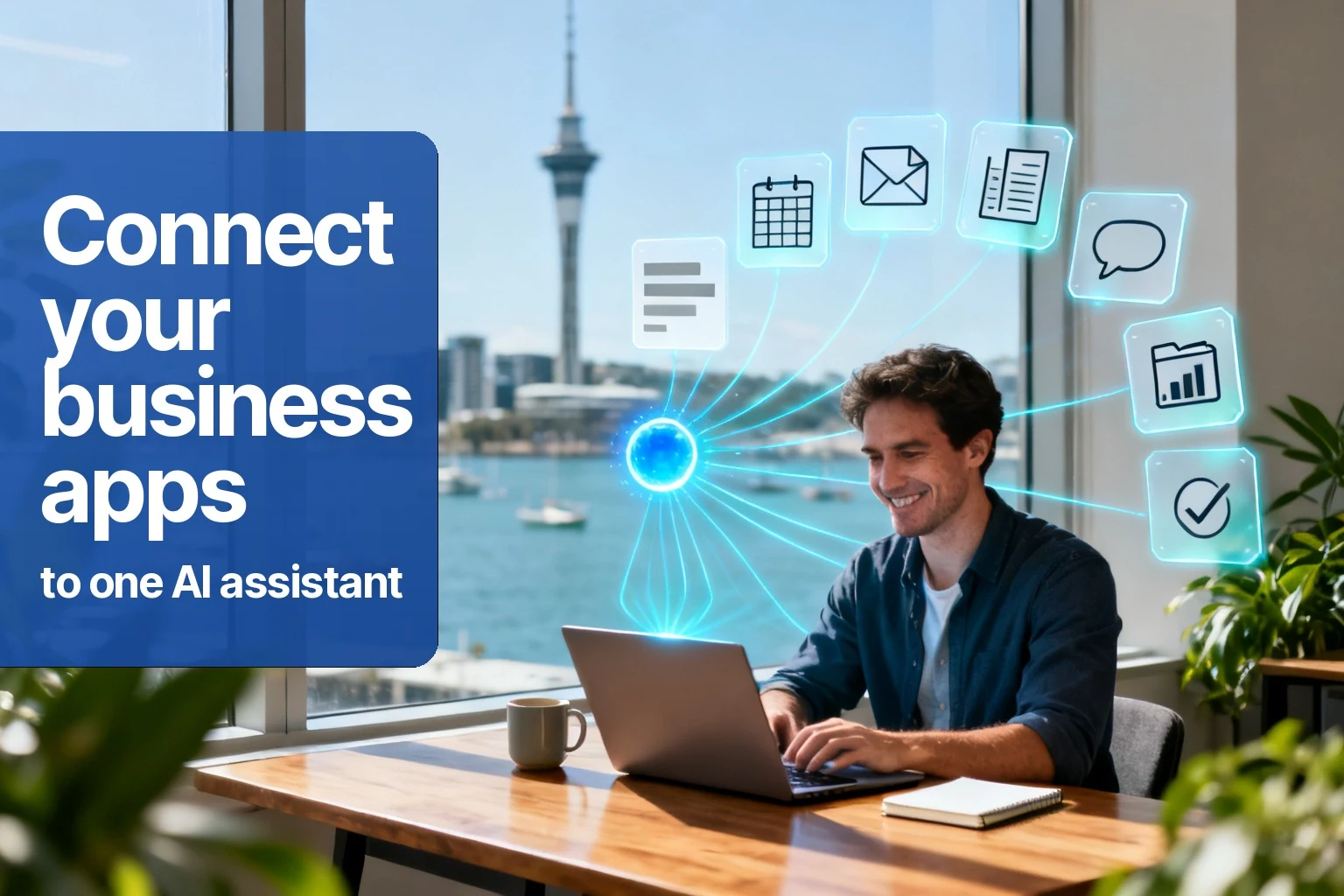
Most business owners have tried AI as a writing tool. It can tidy an email or explain something quickly, but then you go back to the real work because the AI does not know your business.
That changes when AI can connect to the tools you already run. It stops being a separate chat box and becomes a practical assistant that can help across email, calendar, accounting, CRM, job scheduling and website enquiries.
What does connecting my business apps to AI mean?
Connecting your business apps to AI means giving one assistant controlled access to the tools your team already uses, so it can find information, summarise it, draft next steps or prepare actions across systems. You keep your apps. The AI helps bridge the gaps between them.
The problem in many businesses is not that the tools are bad. It is that they do not talk to each other. Quotes live in one place, accounting in another, enquiries in an inbox, jobs in a scheduling system and customer history somewhere else again.
Which apps can an AI assistant connect to?
An AI assistant can often connect to common business tools such as email, calendars, accounting systems, CRMs, job scheduling platforms, website forms, spreadsheets, analytics and project tools. The exact list depends on your setup, but the goal is to connect the tools you already rely on.
You should not need to replace everything just to use AI. A good first setup usually connects one or two apps involved in a repeat workflow, such as enquiries and follow-ups, then expands only when there is a clear reason.
What tasks can AI do across my apps?
Across connected apps, AI can help find overdue follow-ups, draft replies, summarise customer history, prepare job notes, compare simple numbers, update records or pull information into one place. The most useful tasks are repeatable, information-heavy and still checked by a person before final action.
- “Draft a follow-up to quotes that have not had a reply.”
- “Summarise this customer’s recent emails before I call them.”
- “Show jobs from last week that may still need invoicing.”
- “Turn this website enquiry into clear job details.”
The assistant looks across the relevant apps, brings the information together, and either gives your team the answer or prepares the next step.
Do I need to replace my current systems?
No, connecting AI should not mean replacing your current systems. The best setup usually works with the apps your team already knows. AI sits across them as an assistant, helping with the copying, searching, drafting and stitching that normally happens between screens.
This matters because most small businesses do not need another platform to learn. They need less friction in the tools they already use. If the AI setup creates more complexity than it removes, it is the wrong setup.
Is connecting AI to my apps safe?
Connecting AI to your apps can be safe if access is limited to the task, permissions are clear, activity is reviewable and sensitive areas are not connected without a reason. Safety should be designed at the start, not bolted on after everything is connected.
A fair first question is: what does the assistant need to see to do this job? If it does not need accounting, do not connect accounting. If it only needs to draft, do not let it send. This is covered in more detail in is my business data safe with AI?
How should I start connecting AI to my business?
Start by choosing one workflow where your team repeatedly moves information between apps. Good examples are new enquiry handling, quote follow-up, job notes, invoice checks or weekly reporting. Keep the first version narrow, useful and easy for a human to review.
If your tools are not talking to each other and your team is stuck doing the stitching, it is worth a conversation. If you are also weighing up the people question, read whether AI will replace your staff next.
Book your free 20-minute AI consult
Free. No obligation. No sales script. Just a clearer idea of where AI could help your business.